
Offers that look like part of your store
Happy Bundle adds volume discounts, product bundles, buy X get Y and add-on offers to your Shopify product pages. They use your theme's fonts and colors, and Shopify applies the discount at checkout.
happy
Free while we grow. Install now and your store keeps every feature free, even after paid plans arrive.
See every offer on a real store
Our demo store runs Happy Bundle on Horizon, Shopify's own theme. Each product shows one feature: quantity breaks in three layouts, bundles, mix and match, buy X get Y with a free gift, add-ons, countdown timers and badge styles. Choose an offer and add it to the cart, as a shopper would.
Shopify asks for the password because the demo is a development store. The demo is in all 12 languages of this site, and this link opens it in yours.
happy
Every kind of offer, in one app
Quantity breaks
Buy 2, save 10%; buy 3, save 20%. Show the tiers in a stacked, card or compact layout, with images, badges and a variant choice for each item.
Bundles, buy X get Y and free gifts
Sell a set of products together, run a buy one get one deal, or give a free gift above a cart value.
Mix and match
Let shoppers build their own set from a collection and see the set price as they pick.
Add-ons and frequently bought together
Offer extras next to the add-to-cart button, chosen by you or suggested from your own order history.
One editor with a live preview
Set up every kind of offer in one place and see it on your own product page while you edit.
Your shoppers' currency and language
Offers show prices in each shopper's currency, and the offer text appears in all 136 languages Shopify supports on storefronts.
A/B tests and analytics
Compare two versions of an offer and see the revenue, conversion and order value of each.
The right price at checkout
Discounts are applied by Shopify Functions, so the price in the cart matches the product page.
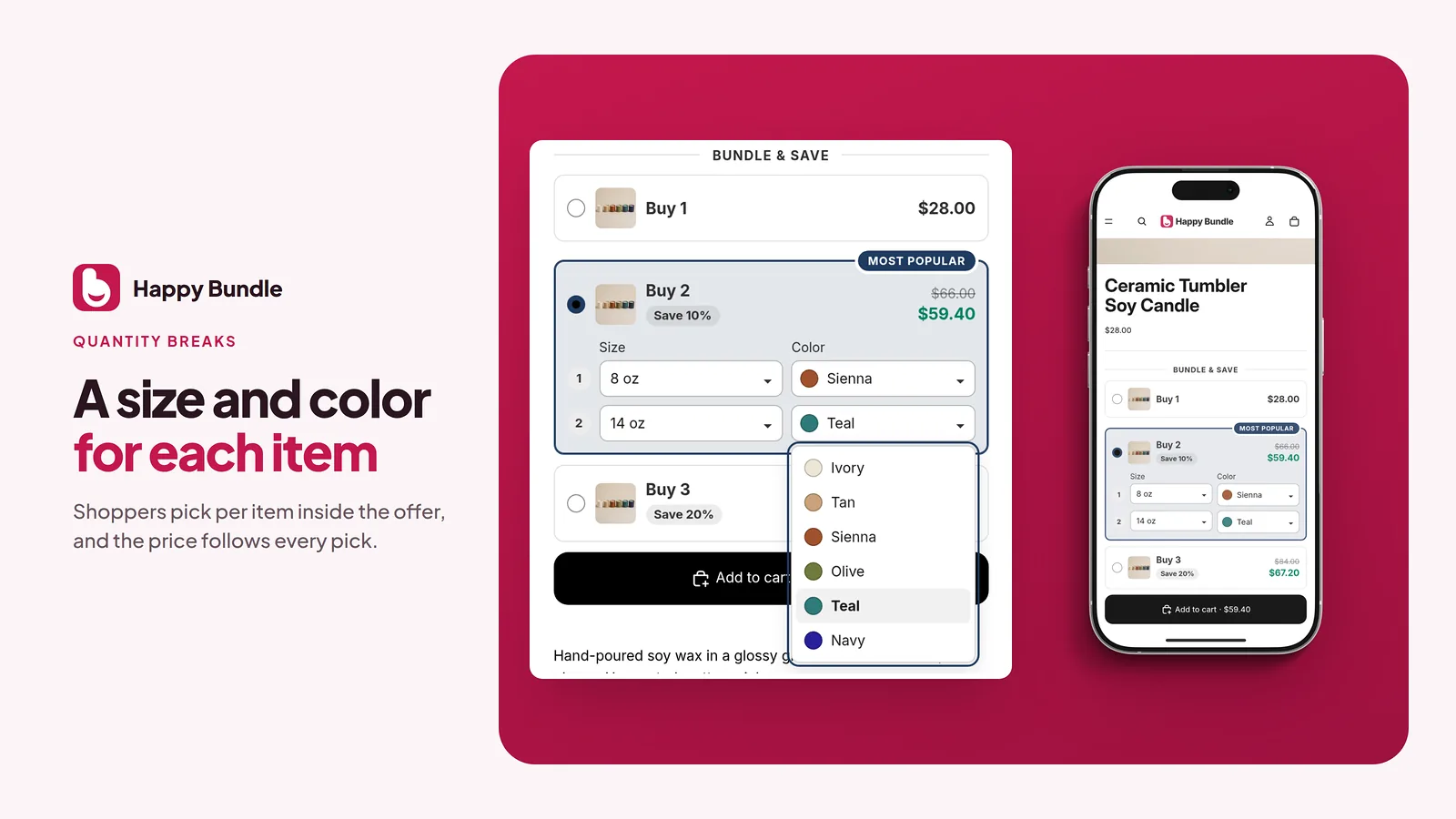
Quantity breaks
Buy 2, save 10%; buy 3, save 20%. Show the tiers in a stacked, card or compact layout, with images, badges and a variant choice for each item.
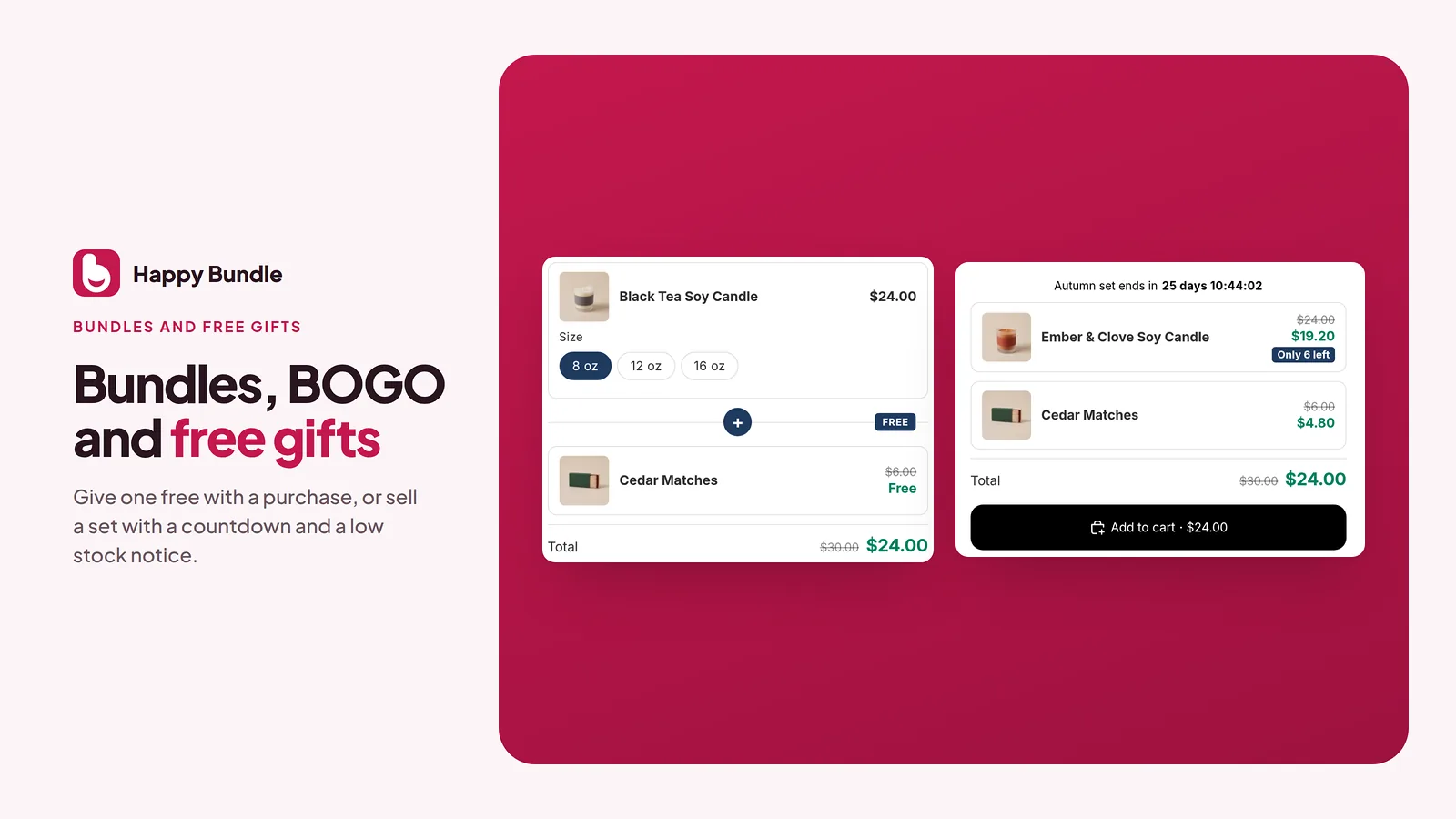
Bundles, buy X get Y and free gifts
Sell a set of products together, run a buy one get one deal, or give a free gift above a cart value.
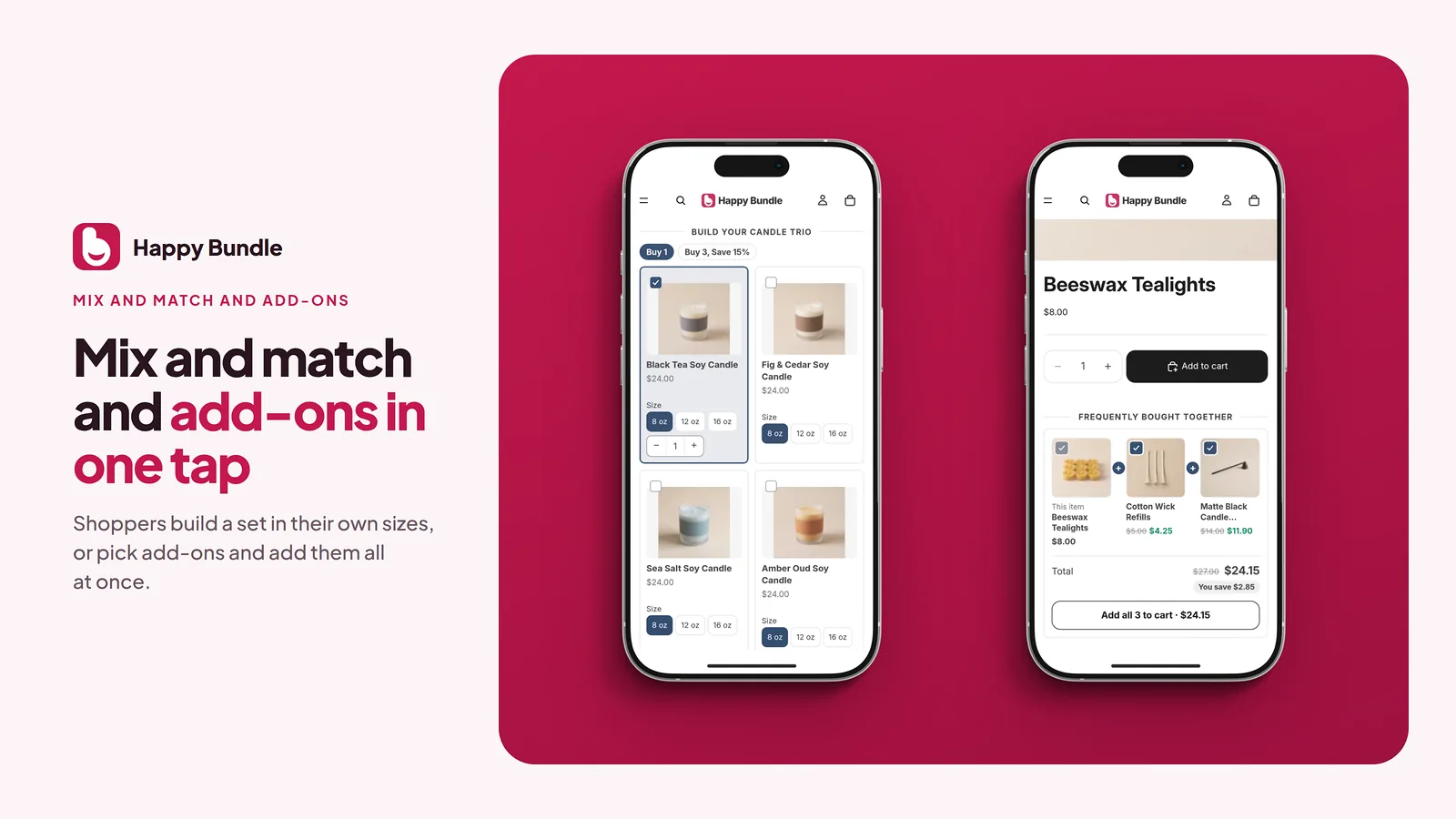
Mix and match
Let shoppers build their own set from a collection and see the set price as they pick.
Add-ons and frequently bought together
Offer extras next to the add-to-cart button, chosen by you or suggested from your own order history.
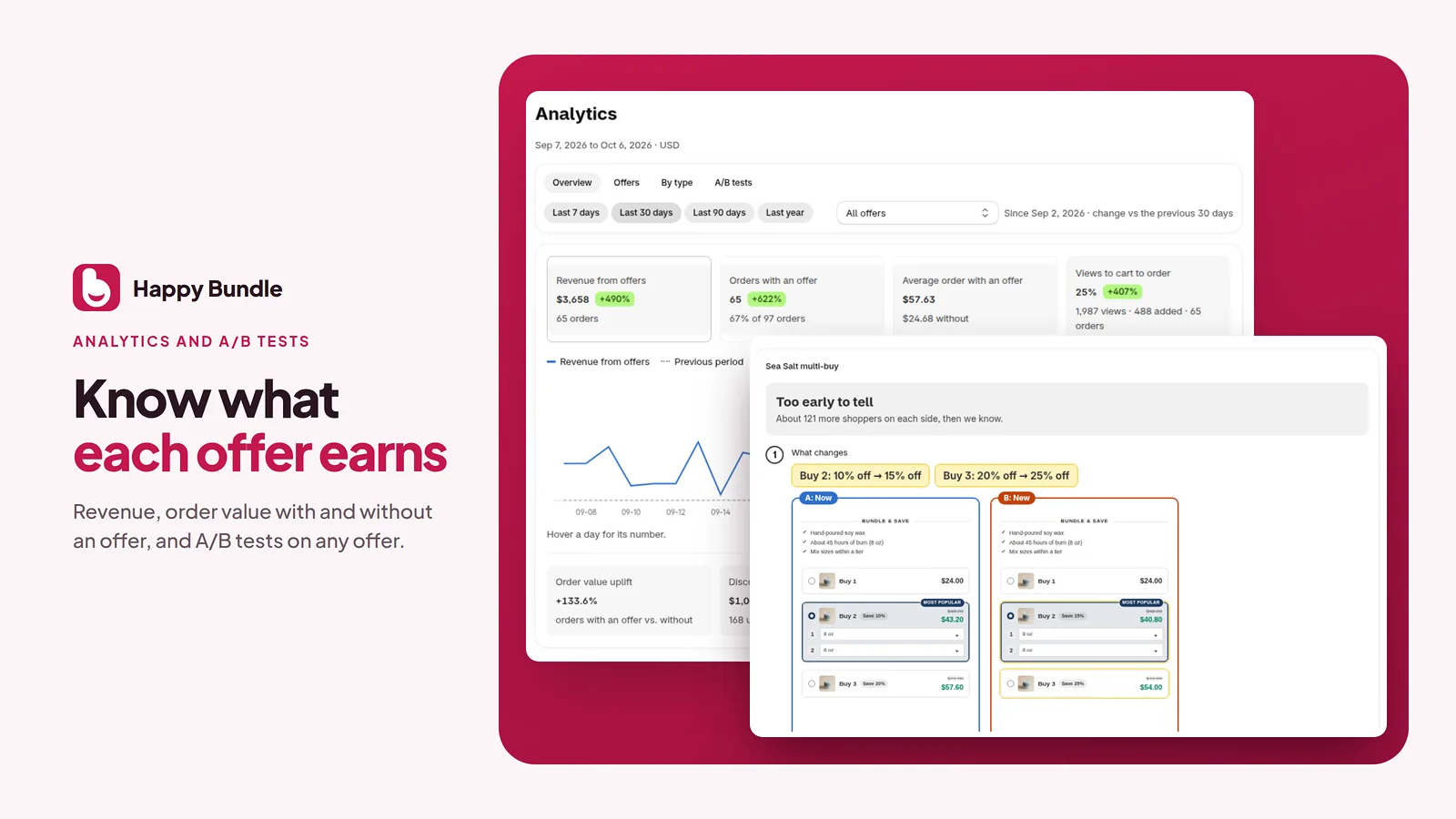
A/B tests and analytics
Compare two versions of an offer and see the revenue, conversion and order value of each.
How it works
- Install Happy Bundle from the Shopify App Store.
- Turn on the Happy Bundle app embed in your theme editor.
- Create your first offer, check it in the preview and publish it.
Free while we grow
Install now and your store keeps every feature free, even after paid plans arrive.
Support from the team that builds the app
Stuck on a setup or have a question? Chat with us from inside the app, or email support@happybundle.app. Real people read every message, and when we are away we reply by email.
Try Happy Bundle on your store
Install it from the Shopify App Store and create your first offer.
Install on the Shopify App Store